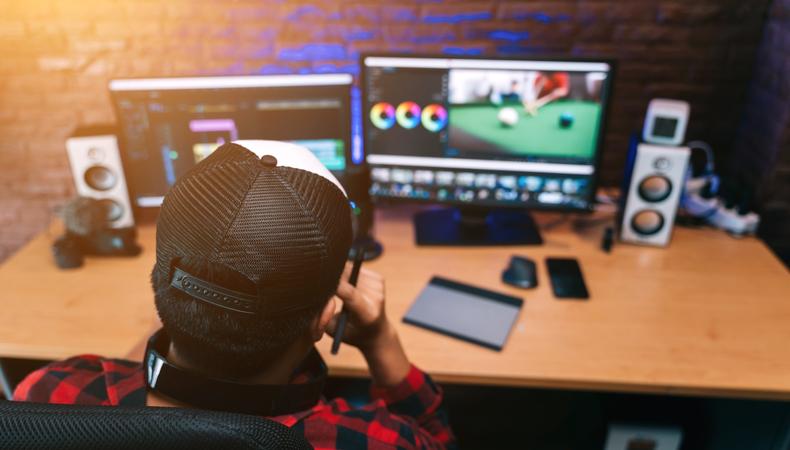
Making visually appealing videos is easier today than ever before. From real-time editing to fabulous filters, as filmmaking technology advances, so too does the art of making films. If you want to learn how to use aesthetic overlays in postproduction, this article has you covered.
JUMP TO
 Andrey_Popov/Shutterstock
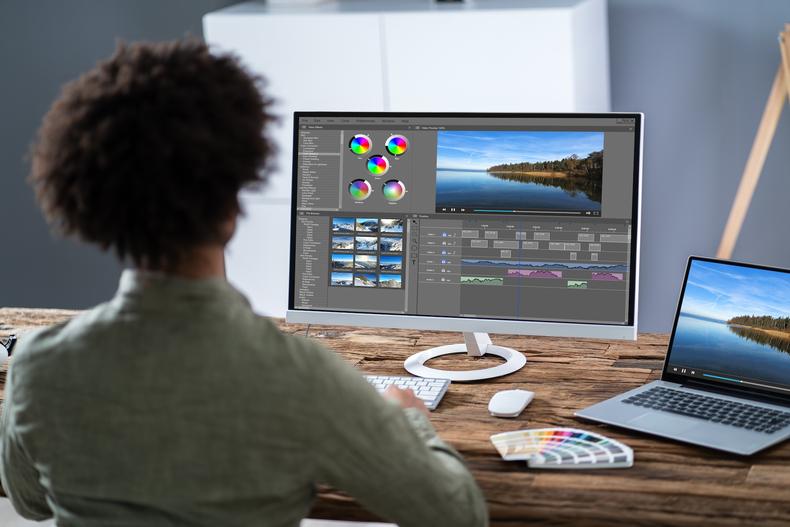
Aesthetic overlays are visual effects used in the editing process that change the way footage appears without altering the footage itself. These clips are laid over other clips to give a little extra oomph to footage and create a specific look. For example, black-and-white overlays are often used to create a neo-noir aesthetic.
 Sergey Zaykov/Shutterstock
They save time and effort
Think of aesthetic overlays as cheat sheets for filmmaking. They allow you to efficiently add new visual elements to videos without painstakingly adding them individually in postproduction. While overlays can’t fully replace actual effects, they provide a timesaving alternative option. Instead of refining the lighting and saturation in individual shots, pick an overlay and add it to your video in a matter of seconds. This is especially helpful for filmmakers who want to add old-school film grain to their videos without putting forth the effort to find and use 16mm film and cameras.
They add variety
Aesthetic overlays come in all shapes and sizes. Although they’re typically used to add light streaks, smoke, and graininess, many types of aesthetic overlays exist. Filmmakers can revise the style of their film effectively and efficiently, without needing to do a deep dive into cinematic technicalities.
 Film Editing 101: Everything You Need to Get Started
 They let you edit without really editing
Since overlays are just a filter, they don’t require any alteration to your footage or that you shoot in a specific way. Think your video would look better in black and white but not totally convinced? Instead of shooting in black and white and then reshooting if it doesn’t turn out quite right, using a black-and-white aesthetic overlay means implementing the effect with the click of a button.
Since they create a more professional-looking final product and are easy to use, aesthetic overlays allow aspiring filmmakers and content creators to give more advanced techniques a trial run.
 DC Studio/Shutterstock
Video editing platforms
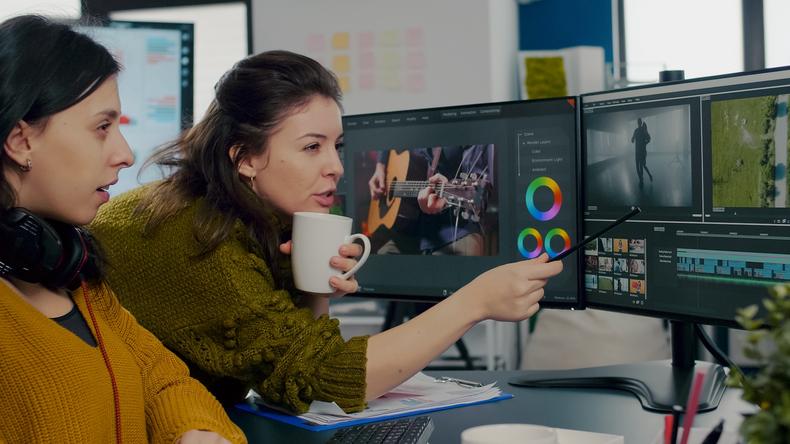
You can use aesthetic overlays on any nonlinear video editing platform that allows postproduction film editing, such as Adobe Premiere Pro, Avid Media Composer, Final Cut Pro, and Lightworks. Aim for quality original footage—the better your foundation, the better the overlay will look. Then:
- Import your footage as a new project.
- Add your clip or clips to the project timeline and create it as a new track.
- Use the platform’s native function to search stock overlays or import the overlay you want to use.
- Adjust the opacity of the overlay using the overlay editing menu until it’s the level you’d like.
Social media
If you’re promoting your video work on social media, sites such as WeVideo, iMovie, and Adobe After Effects allow you to quickly preview multiple social media template options.
Alternatively, services such as Storyblocks, Motion Array, and Pixabay provide pre-sized and revised aesthetic overlays for editing. Social media platforms such as Snapchat and Instagram even allow users to edit videos with their native built-in features. To do so:
- Record a video using the platform’s recording function.
- Enable filters to access overlays and other special effects.
- Choose the graphic overlay or filter that fits your desired look.
- Fiddle with the transparency, add in a few hashtags, and you’re ready to post.
 What Is Color Grading? A Guide to Perfecting the Color In Your Videos
 No matter where you’re publishing or posting your footage using an aesthetic overlay, do your due diligence to ensure that you’re not using someone else’s creation without permission.
Find free overlays online
If manually adding an overlay to your footage, search for free overlay videos online, download them to your computer, and use your video editing software to add them to your project. These stock overlays can be found on sites such as Pixabay and Videezy, and you can use anything that’s under creative commons, open source, or free use regulations.
Pay for copyrighted overlays
Alternatively, pay for existing aesthetic overlays on sites such as Fiverr and Upwork, or hire a graphic designer to make overlays for your project.
Use integrated features
Online video editors and social media platforms usually offer a library of stock overlays, or they may have the creator’s name cited in the overlay itself (particularly Snapchat).
Make your own overlays
If you’re feeling especially creative, you can always make your own aesthetic overlays without needing to worry about copyright and usage issues.
Aesthetic overlays provide a unique look for your videos that can help them pop, whether those videos are for social media or your first film. Play around with different overlays to create different looks and figure out what feels right for you and your project.