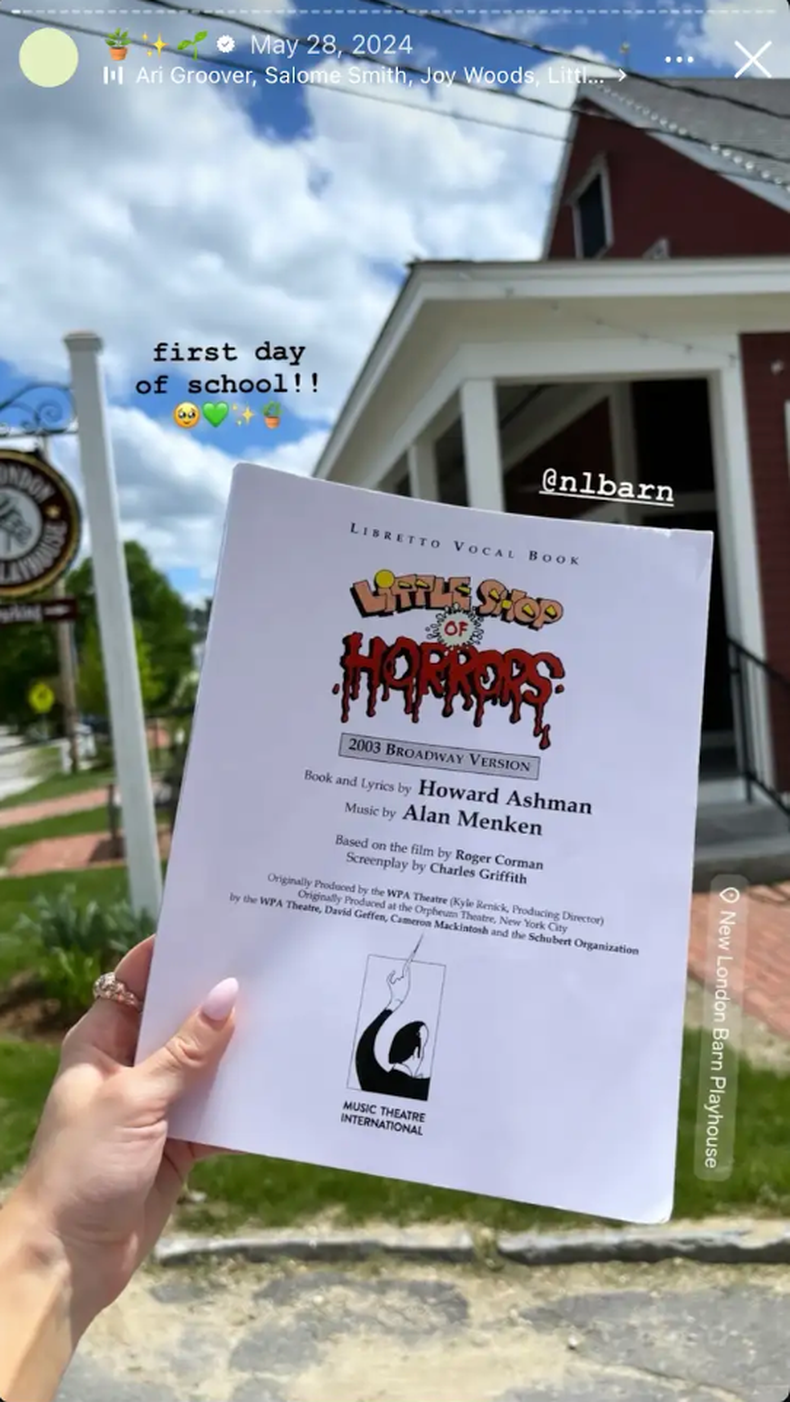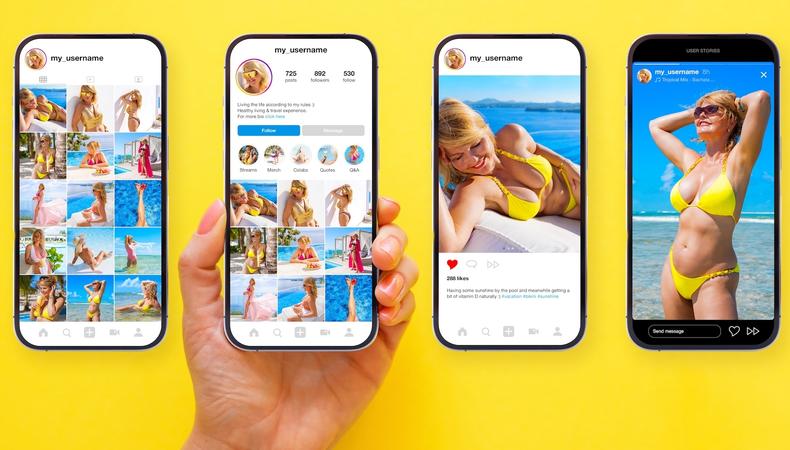
If you’re not using Instagram Stories, you’re leaving casting calls on the table. In an industry where your next job could come from a DM, a tag, or a two-second clip (trust me, it happens), Instagram Stories are essential. They’re where you make yourself visible, have control over the narrative, and remind the world (and the algorithm) that you’re booked, busy, and brandable. Here’s how to use Instagram Stories like a pro.
Instagram Stories are vertical, ephemeral posts—photos, videos, GIFs, or text—that disappear after 24 hours (unless saved to your Highlights). They appear at the top of the app and are designed to be fast, frequent, and fun.
Still, what seems fleeting can actually be quite sticky, and Instagram Stories often have staying power long after their 24-hour play period. According to Hootsuite, over 500 million people use Stories every day, and 58% say they’re more interested in a product or person after seeing them there.
For performers, that means:
- Building your personal brand
- Staying top-of-mind with casting teams and collaborators
- Turning casual viewers into loyal fans who’ll most likely show up to your next 54 Below show
To post a Story (yes, it’s this easy):
- Open Instagram.
- Tap your profile icon or swipe right.
- Snap a pic, record a video, or upload from your camera roll.
- Customize by adding text, stickers, filters, music, and links.
- Tap “Your story” to post.
 15 Steps to Becoming an Instagram Influencer
PixieMe/Shutterstock/Shutterstock
1. Think in arcs.
Don’t just post randomly. Instead, strive to create a narrative. Start with a teaser (e.g., “Big news coming…”), then add some behind-the-scenes buildup (rehearsal, wardrobe, etc.). Finally, pay it off with a reveal, clip, or call-to-action.
2. Consistency beats perfection.
You don’t need every Story to be cinema-level, but you do need to post consistently to remain visible in the oversaturated world of social media.
3. Learn (and use!) essential Story features for performers.
Use the platform’s native features to keep your audience engaged and hungry for more.
- @Mentions: Tag your cast, theater, or press mentions.
- Polls and quizzes: Get engagement and gauge your audience’s vibe: “Coffee or tea?” “Glinda or Elphaba?“
- Music and sound: Your followers will get to know you through the music you choose. They may even connect more if you show off your unique taste!
- Countdowns: Hype your opening night, album drop, or next callback.
- Links: Every account (no matter if you have one follower or 1 million) can add link stickers, ideal for ticket sales, press, or affiliate marketing. Do it sparingly.
- Highlights: Archive key Stories under your bio to build a scrollable portfolio.
- Captions stickers: These increase accessibility and keep viewers watching with sound off (especially if you’re doing a talking head video).
- Story filters: Use sparingly, since Effects and filters can detract from the real star of the show: you!
4. Keep it accessible.
Many of your viewers watch Stories with the sound off, so use the auto-captions sticker or add text manually to ensure your content is engaging and accessible.
5. Have a Highlights strategy.
If you want to keep your better Stories around longer, try creating themed Highlights such as:
- “Performances”
- “Press”
- “Rehearsals”
- “Travel”
- “Tips for Actors”
Keep each one to 15–20 Stories max for easy viewing.
6. Follow Story do’s and don’ts.
Do:
- Use consistent branding (colors, fonts, and tone)
- Show your face—people connect with people
- Add location and hashtags to boost discoverability
- Tag everyone relevant in the Story (even after you’ve posted, if you forgot)
- Track performance via Insights
Don’t:
- Overpost in one burst (spread out your updates)
- Ignore your analytics
- Forget to caption videos or give your followers something to stop and read
- Rely solely on selfies
- Treat Stories like throwaway content (they’re not, so no complaining about work or gigs, and no spoilers or confidential material)
7. Try the seven-day Instagram Story challenge.
Want to get started but feeling overwhelmed? Try this:
- Day 1: Post a behind-the-scenes clip or photo from rehearsal.
- Day 2: Run a poll (“What’s your favorite musical?”).
- Day 3: Share a past performance highlight with a fun caption.
- Day 4: Use the Questions sticker (“Ask me anything about acting!”).
- Day 5: Recommend a show, song, or fellow performer.
- Day 6: Post a short video talking to the camera about your day or an insight.
- Day 7: Share a review, shout-out, or personal win.
This builds engagement, trust, and visibility: three things you want in your digital toolkit.
Amber Ardolino posts show footage, backstage antics, and creative teasers of her TikToks in a way that creates excitement and documents her journey.
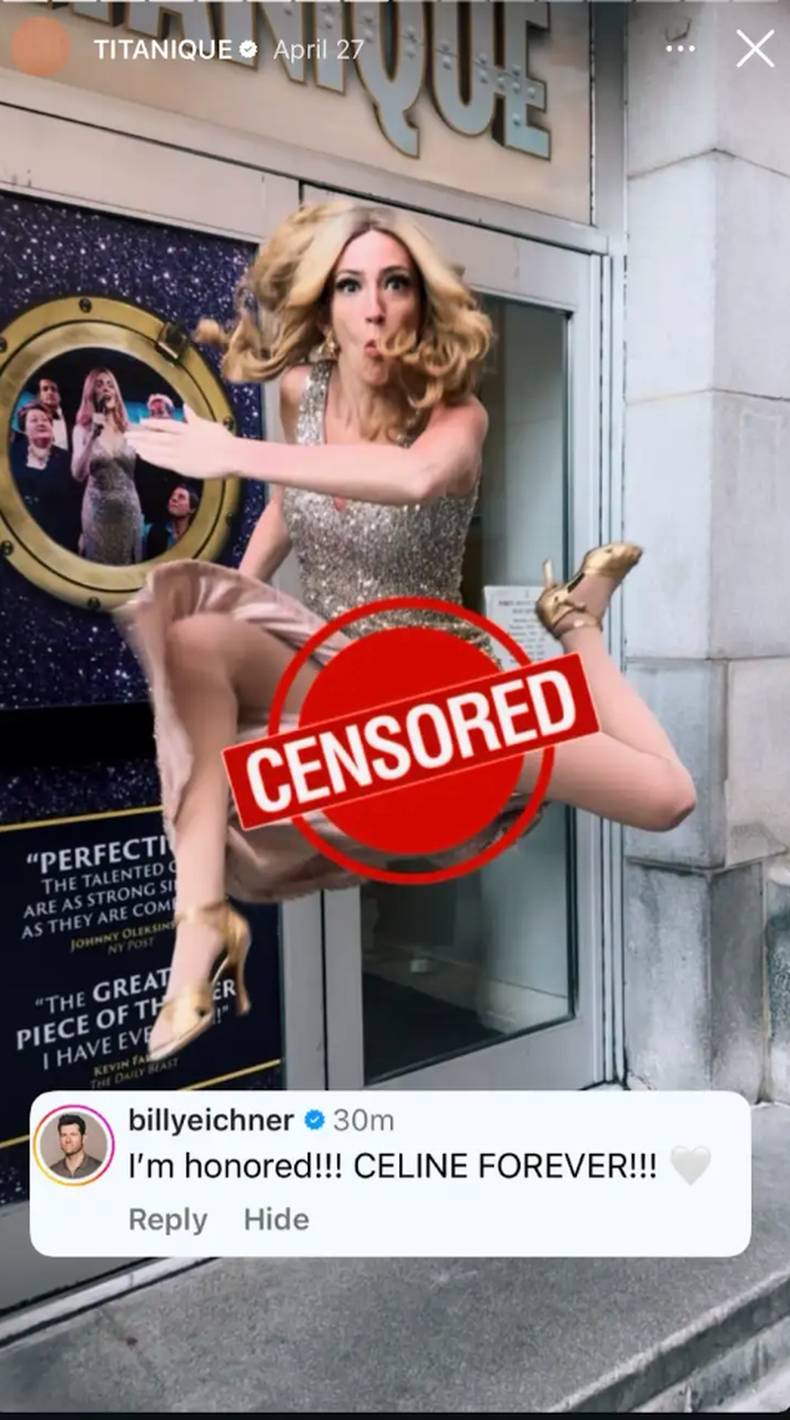
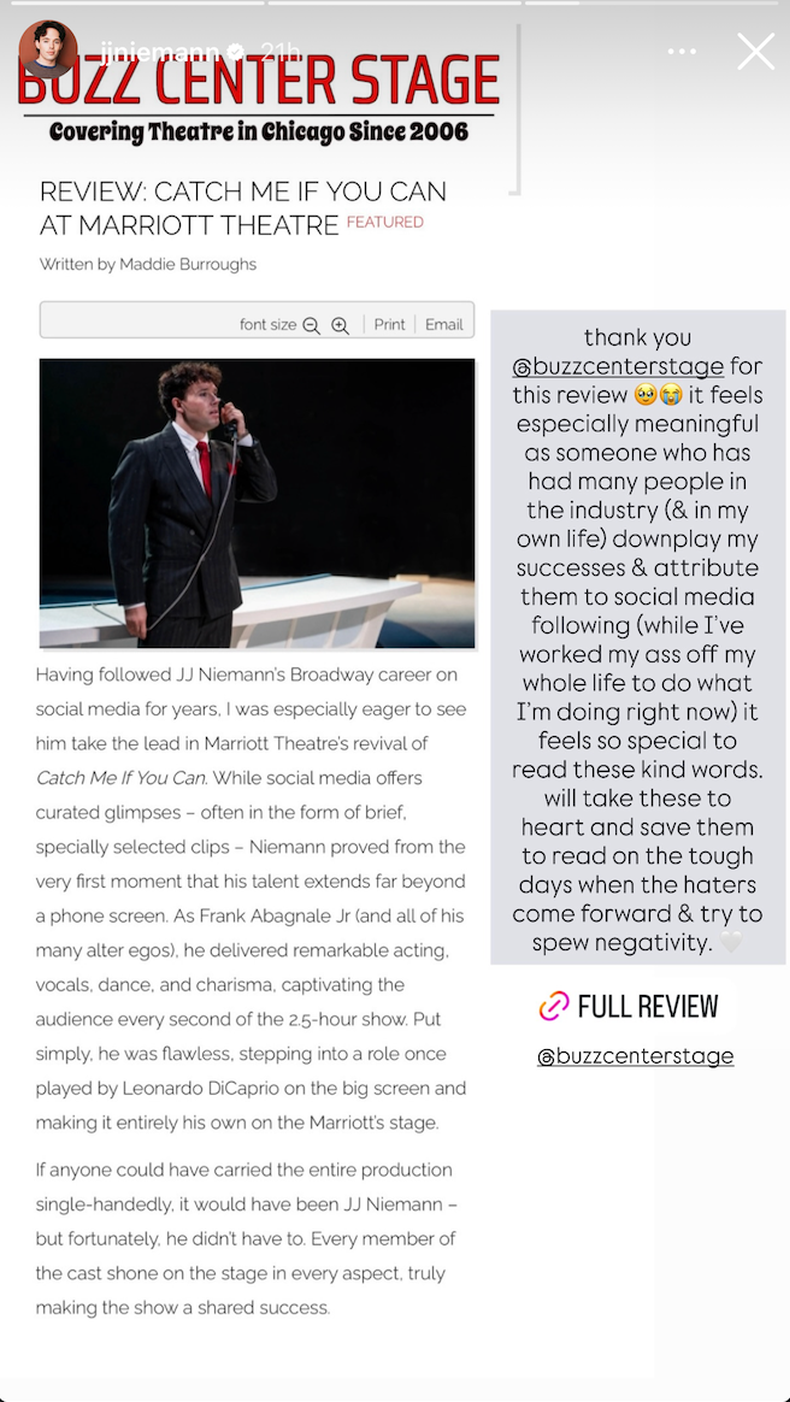
JJ Niemann shares behind-the-scenes insights, reviews, and funny observations—all while addressing the vulnerability of being visible online and building community.
Cara Rose DiPietro offers a steady flow of day-in-the-life content, performance teasers, product promotion, and reshares of content that feels aesthetically Cara.