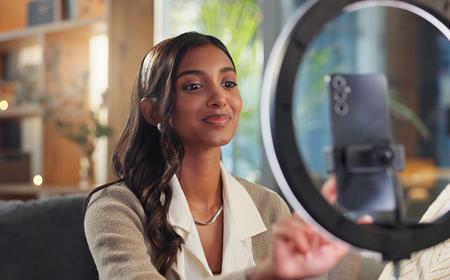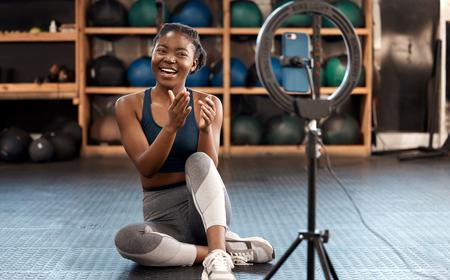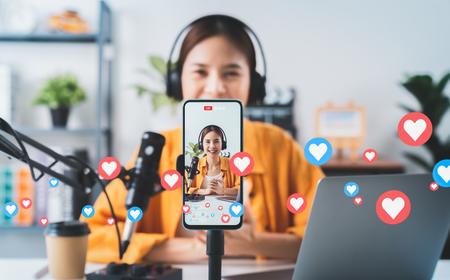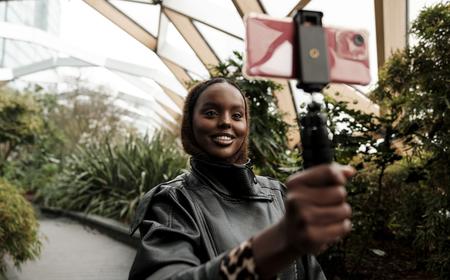
If you want to be the next UGC creator for Gymshark or Glossier, you’ll need videos that capture attention—and beyond recording your swolest workout routine or most sizzling GRWM, capturing attention means effective editing. Here are six apps that can help you stand out and get paid.
Editing user-generated content is the process of creating videos optimized for social platforms like TikTok, Instagram Reels, YouTube Shorts, Facebook, Pinterest, and, increasingly, paid social advertisements.
Rather than focusing on cinematic storytelling, UGC editing emphasizes communication. The viewer should immediately understand what’s happening, why they should care, and what they should do next.
Most successful UGC videos rely on techniques like:
- Fast pacing and quick cuts
- Large onscreen captions
- Hook-driven openings
- Native social media aesthetics
- Music and sound effects
- Clear calls to action
The editing is often intentionally invisible. If viewers notice the edit itself, it usually means something has gone wrong. Instead, every cut exists to maintain attention.
This makes UGC editing fundamentally different from traditional film work. While a feature editor might spend weeks refining the emotional pacing in a scene, a content creator is often trying to communicate a product benefit in the first three seconds before viewers swipe away.
What UGC video editing isn’t
Many creators eventually graduate to professional editing software like Adobe Premiere Pro or DaVinci Resolve. Those applications are built for long-form productions with features like:
- Advanced color grading
- Complex timelines
- Motion graphics
- Multi-camera editing
- Visual effects
But most UGC creators don’t need those capabilities every day. More likely, they need software that lets them shoot, trim, caption, export, and publish quickly.
That’s why many dedicated UGC apps intentionally leave out professional filmmaking tools. The tradeoff is worth it if creators can produce several polished videos in the time it would take to edit one traditionally. It should come as no surprise that speed often beats perfection on social media.
If you’re an editor looking to get more UGC jobs, it’s a good idea to familiarize yourself with this different process.
Not every editing app is designed with UGC jobs in mind. Some prioritize filmmaking, while others prioritize convenience at the expense of creative control. The best UGC editing apps strike a balance between speed and flexibility.
Fast editing workflow: The biggest advantage these apps provide is efficiency. Rather than manually building every edit from scratch, creators should be able to:
- Duplicate edits
- Export in just a few taps
- Rearrange shots easily
- Trim clips quickly
Publishing multiple videos every week (or, gasp, every day) requires a process that minimizes repetitive work.
Automatic captions: As you’ve probably noticed, captions have become one of the most important features in social media editing. Many people watch videos with the sound muted, especially on mobile devices. Automatic speech recognition lets creators generate captions quickly, so viewers can follow along even without audio.
Vertical-first editing: UGC exists primarily in vertical formats. A quality editing app should make it easy to:
- Add text that stays inside safe zones
- Edit in 9:16
- Export in platform-friendly resolutions
- Reframe footage
Creators shouldn’t have to fight software designed primarily for wide-screen filmmaking.
Templates and presets: Templates can dramatically reduce editing time. Instead of re-creating titles, transitions, and layouts for every project, creators can take advantage of a reusable structure and customize it. This is especially useful for agencies and brands that produce multiple videos that need consistent styling.
AI-powered features: You don’t need AI to make a great video. We’ve been making great videos without its help for a long time. But AI does offer some useful features, including:
- Auto reframing
- Automatic highlights
- Automatic silence removal
- Background removal
- Noise reduction
- Script-based editing
- Text-based trimming
These tools don’t come close to replacing editors. They just eliminate repetitive tasks.
Built-in stock assets: Music, stickers, transitions, animations, and sound effects can all speed up production. Many creators appreciate having royalty-free libraries available directly inside the editor instead of searching across multiple websites.
Easy exports: Once editing is complete, exporting should be painless. Look for apps that offer:
- Direct publishing to social media
- High-resolution exports
- Platform presets
- Watermark-free options
The fewer steps between editing and posting, the better.
Credit: Sidney van den Boogaard/Shutterstock
1. CapCut
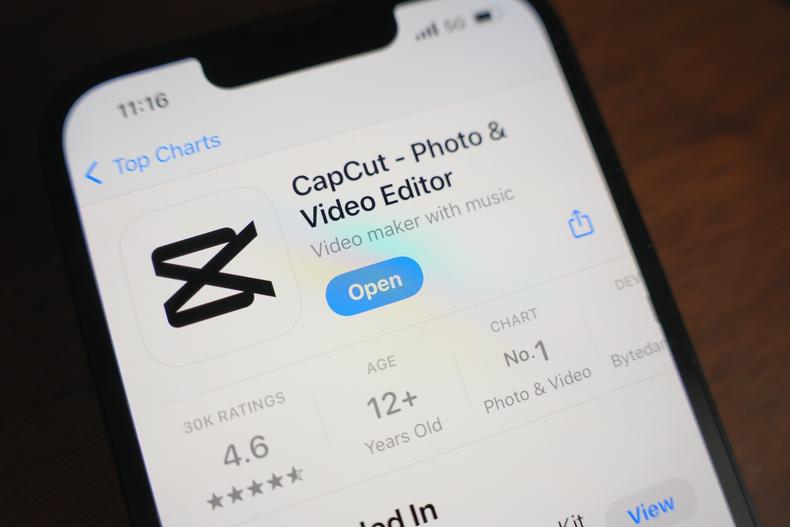
CapCut has become the default editing app for many TikTok creators, and for good reason. It combines an approachable interface with surprisingly powerful editing tools, including automatic captions, AI-powered cutouts, text animations, templates, trending effects, and audio syncing.
- Best for: TikTok creators, beginners, and fast-turnaround content.
2. InShot
InShot focuses on speed and simplicity. Its interface makes trimming clips, adjusting aspect ratios, adding music, inserting text, and exporting videos straightforward.
For creators producing everyday Instagram or TikTok content, InShot provides what you need without overwhelming you with advanced tools.
- Best for: Lifestyle creators, influencers, and quick social edits.
3. Adobe Premiere on iPhone
The iOS Premiere app serves as Adobe’s simplified mobile editing platform for creators. It offers phone-to-desktop editing, cloud syncing, and an interface that feels approachable while still connecting to the broader Adobe ecosystem.
It’s particularly useful for creators who may eventually transition into Premiere Pro (the industry standard these days for more heavy-duty work).
- Best for: Growing creators already using Adobe products.
4. VN Photo & Video Editor
VN has developed a loyal following because it offers many advanced capabilities without the complexity of professional software. Creators can export watermark-free images, multiple video layers, keyframes, speed ramping, filters, and transitions, all while offering a beginner-friendly interface.
- Best for: Intermediate creators who want more manual editing control.
5. Canva
Although Canva is best known for graphic design and slideshows, its video tools have become increasingly capable. Creators can quickly assemble clips using drag-and-drop templates, animated text, stock footage, music libraries, and brand kits.
For businesses that produce social advertisements or branded content, Canva’s collaborative workflow is especially appealing.
- Best for: Marketing teams and branded UGC.
6. LumaFusion
LumaFusion is one of the most capable mobile editors available. It includes professional features like multiple video tracks, detailed audio editing, color correction, and advanced timeline controls while remaining optimized for tablets and phones.
Creators who want desktop-level precision without needing to use a desktop (although a Mac version is now available) often choose LumaFusion.
- Best for: Mobile professionals.
There isn’t one perfect option for every creator. If speed is your top priority, CapCut and InShot are difficult to beat; if you’re managing branded campaigns, Canva’s templates and collaboration tools make it an attractive choice; and so on. Most of these tools are free or cheap to try, so test them all. Whichever feels most intuitive for your process is the one to go with.