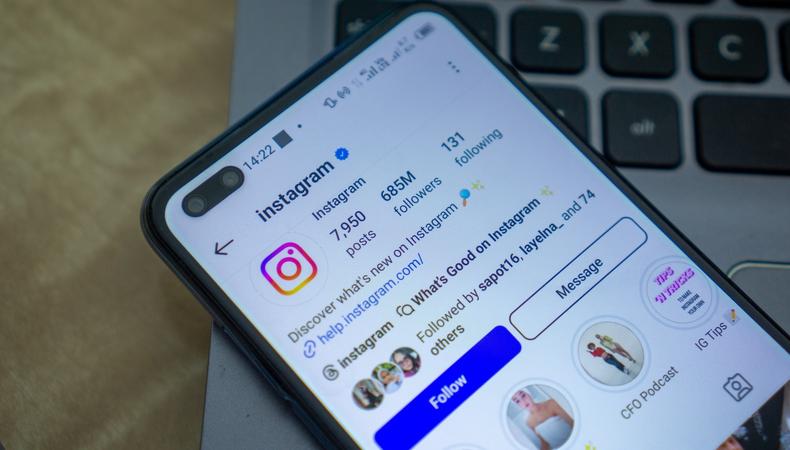
That coveted blue check mark: Being verified is a privileged status on many social media sites, but perhaps none more than Instagram. Becoming a verified Instagrammer can be difficult, but if you’re an influencer, it’s worth it.
JUMP TO
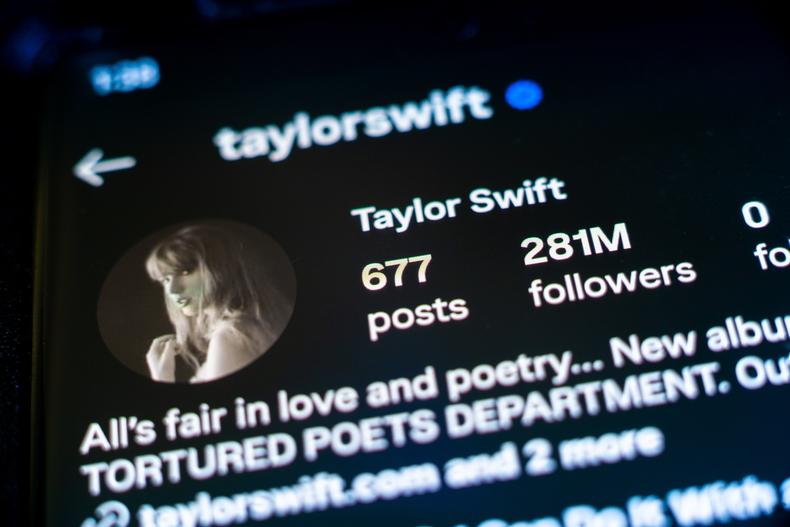
Verification means more than having a blue check next to your name (though that’s important, too). Put simply, being verified on Instagram is a sign to other users that you are a real person or legitimate brand.
For a while, the verification status was primarily held by high-profile celebrities and companies—names that are the most likely to be impersonated. This has shifted, and verification is now used by many people as a way to signal that they are who they say they are.
Why get verified on Instagram?
A whole host of perks come along with being verified, but the primary utility of verification is simple: It establishes legitimacy. Users associate the blue check with established brands and figures. So if you want to become an Instagram influencer and get Instagram famous, you’ll definitely want a blue check.
Here are some other reasons you may want to get verified.
- To boost discoverability: Verified accounts often rank higher in search results and are more likely to appear in suggested content. This added visibility can accelerate follower growth and content engagement, giving you an edge in Instagram’s algorithm and increasing your chances for profitability.
- To protect your brand or identity: Impersonation is common on social media. Verification helps shield your brand, personal identity, or business from being misrepresented. If others try to copy your profile, the blue check reassures your audience that they’re engaging with the real account.
- To unlock growth opportunities: Brands are more likely to partner with verified accounts, since media outlets, collaborators, and customers often view the badge as a sign of trustworthiness. Whether you’re seeking sponsorships, press coverage, or professional recognition, verification makes landing content creator jobs much easier.
PJ McDonnell/Shutterstock
As noted, the requirements for users who can obtain verification on Instagram have shifted over time. Fortunately, more people than ever can achieve this status; unfortunately, it still isn’t a total given. To get verified, your Instagram profile must be:
- Authentic: Your account must represent a real person, business, or organization. Instagram won’t verify parody accounts or fan pages. You’ll need to submit official identification to prove that you are who you say you are. That’s the whole point of verification, after all.
- One of a kind: Only one account per individual or business can be verified, with rare exceptions (like language-specific versions of a brand). Your profile must represent a unique presence, not a generic interest or theme page.
- Complete: Your account should be fully built out before you apply. That means it needs a profile photo, a bio that clearly represents who you are or what you do, and previous posts. Empty or inactive accounts are usually immediately disqualified.
- Public and active: Private accounts are not eligible—your profile needs to be public and demonstrate consistent activity. Instagram wants to verify users who are actively engaging their audience and contributing to the platform.
- Notable: OK, so you’re a real person. But your account needs to be featured in multiple news sources or have a strong presence in public conversations (paid or promotional content doesn’t count). Instagram is looking for organic mentions from reputable outlets or media coverage that proves your relevance and risk of impersonation. You don’t need to be famous, but you need to be somewhat “known.”
tangguhpro/Shutterstock
So you know why to get verified and the qualifications you need to have, but how exactly do you go about getting that blue check mark? Follow these steps, and a blue badge may just be in your future.
1. Collect proof of notability.
To demonstrate that your account is of public interest, you must have one or all of the following:
- Media coverage from reputable sources (articles, interviews, features)
- Mentions in the press or on notable websites
- A significant following on other platforms (Twitter, YouTube, etc.)
- Risk of impersonation or evidence of a widely recognizable name or brand
Gather links or screenshots of this coverage, since you’ll be asked to submit them during the application process.
2. Apply for verification in-app.
Time to open the Instagram app. Go to your Instagram profile, and tap the menu icon in the top right of the page. Select “Account Types and Tools,” then choose “Request Verification.” The form will ask for:
- Your full name
- Your account category
- A picture of your government-issued ID (or business documents if it’s a brand account)
- Links to articles or profiles that demonstrate your notability
3. Wait for a decision.
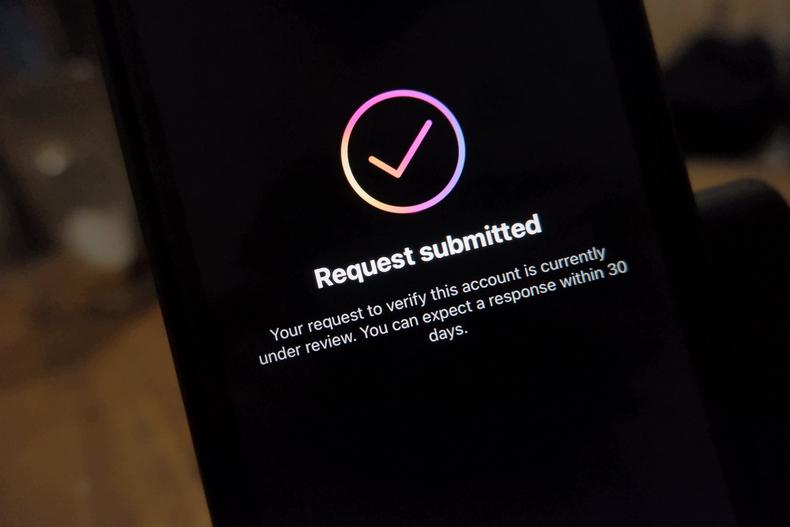
Instagram typically takes a few days to a couple of weeks to review your application. If approved, you’ll see the blue check next to your name. If not, you’ll have to wait 30 days before applying again.
Don’t think you have a large enough following to meet the “notability” requirement? Fear not: You can also become Meta Verified, a program Meta launched in 2023 to offer users a streamlined path to verification on Instagram and Facebook. Unlike traditional verification, which relies on public notability, Meta Verified is based on identity verification and account activity.
Here’s a detailed breakdown of how to become Meta Verified.
1. Meet the eligibility requirements.
Before you can subscribe, your account must meet some basic criteria:
- You must be at least 18 years old.
- Your account must be public and active, with a profile photo, name, and at least some recent activity.
- The name on your profile must match or be similar to the name on your government-issued ID—as per Meta, abbreviations, spelling variations, first initials, and compound names are all acceptable formats, as well.
- You’ll need to enable two-factor authentication.
Meta Verified is available for both individual and creator accounts, but not for businesses. Also, keep in mind that you can’t change your profile name, username, date of birth, or profile photo without going through the verification process again.
2. Apply through the Instagram app.
You can find the application in the same place you found the Instagram verification application in the settings menu. You’ll be prompted to submit a government-issued ID (such as a passport or driver’s license) that matches the information on your profile. Instagram uses this to verify your identity.
3. Subscribe to the service.
Once your identity is confirmed, you can complete the subscription. Pricing varies slightly by region but typically ranges from $11.99/month on the web to $14.99/month on mobile, due to platform fees.
Payment is recurring monthly, and verification remains valid only as long as your subscription is active. If you cancel, you can lose access to the badge and associated benefits.